Extract pages · Blog
Clear steps, useful tips, and the details worth checking before you download.
All articles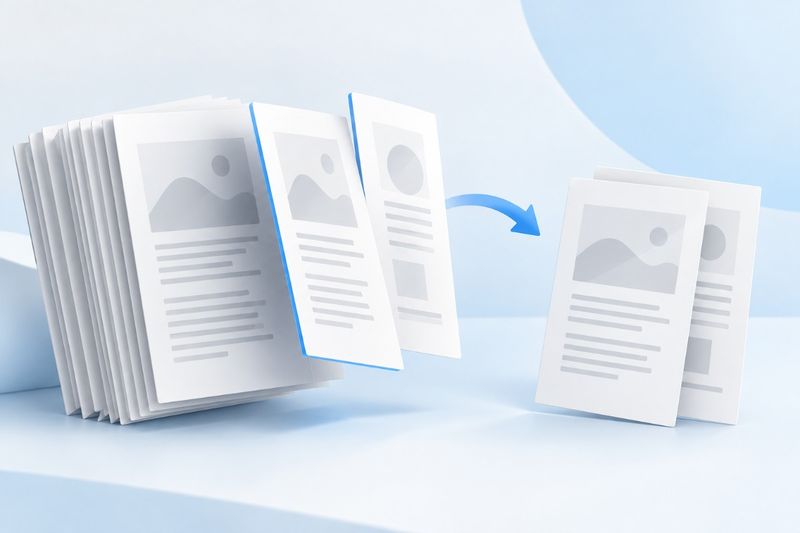 Read guide
How to Save Selected PDF Pages: Extraction and Order Checks
If you only need a few pages from a long PDF, extract them into a new file. Learn how to select consecutive or nonconsecutive pages, preserve the original page order, and check bookmarks, signatures, and privacy.
 Read guide
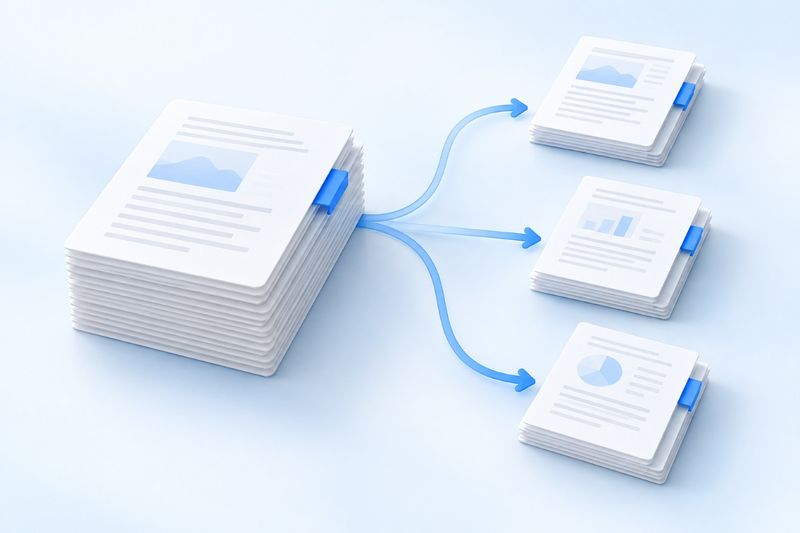
How Do You Split a PDF? Choosing Split, Extract, or Delete When Sending Only a Few Pages
Only want to send a few pages from a PDF? Learn the differences between splitting page by page, using custom page ranges, and deleting pages. Follow the steps to download and extract the results, then check the page count, links, and file size.