PDF to JPG Is Not Image Extraction: What to Know Before Sharing Pages
What is the difference between converting PDF to JPG and extracting original images? Learn about page-by-page output, quality settings, ZIP extraction, and file sorting, as well as the loss of text layers and links and the impact of additional compression by sharing platforms.
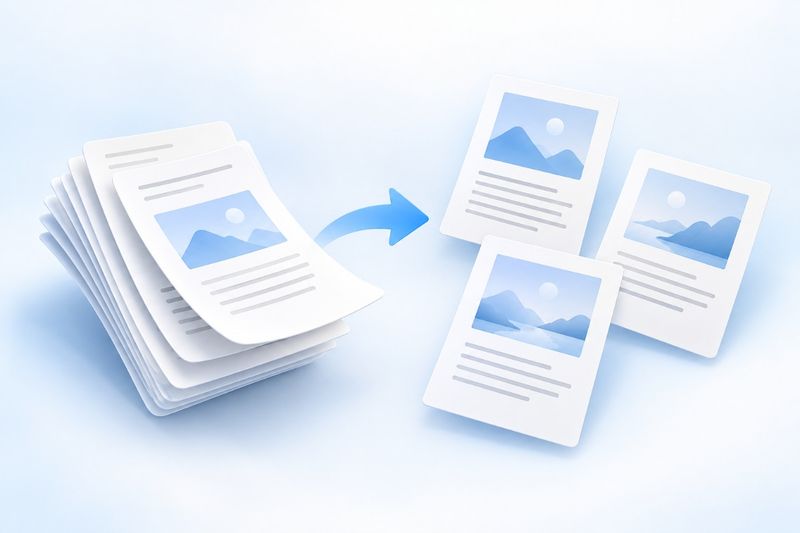
PDF to JPG renders each entire page as an image and packages the results in a downloadable ZIP file. Once extracted, the images are ready to use. It preserves the page's appearance, not the document's individual original images, text layer, or interactive features. If you only need certain pages, extract them first and then convert them.
If you want to place a proposal page in a presentation or post an instruction page from a PDF on a platform that only supports images, taking a screenshot may be convenient, but it can easily cut off page edges and may be affected by the current window size.
PDF Smart Kit'sPDF to JPGrenders each page as a JPG image and packages the images in a downloadable ZIP file. It is ideal for sharing the appearance of pages, but it does not extract each original photo from the document separately.
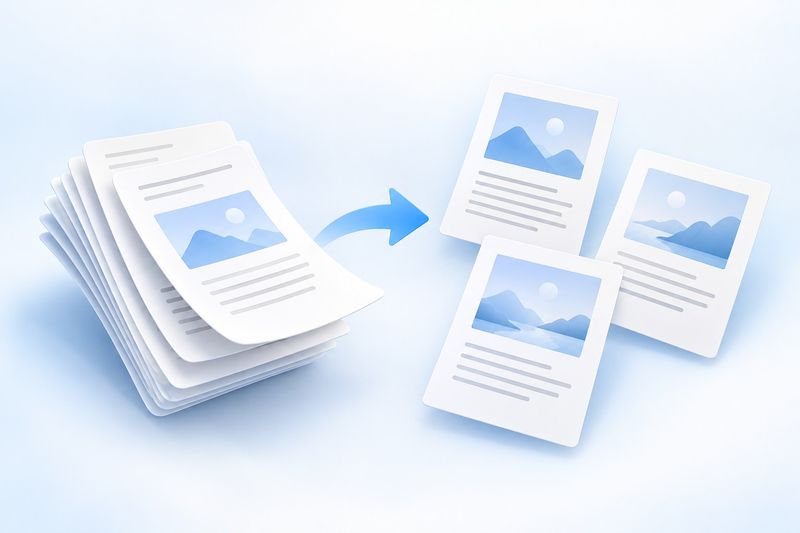
AI-themed illustration: PDF pages become image files. The illustration does not represent actual output clarity or conversion performance.
How does converting pages to images differ from extracting original images?
A PDF page may contain a title, body text, three photos, and a chart. After processing it with “PDF to JPG,” the entire page becomes a single flat image rather than three separate photos and editable text.
Therefore, page conversion is ideal if you want others to see what the page looks like. If you need the original photos, editable charts, or individual illustrations from the document, you should not assume that a full-page JPG is the original asset.
Text, links, and forms on the page also become part of the image. Recipients cannot select the text or click the original links as they could in the original PDF.
If you only need one page, extract it before converting
The current tool generates a JPG for every page in the selected PDF. If the original file has hundreds of pages but you only want to share two of them, it is usually more convenient to first useExtract Pagesto create a shorter PDF and then convert it.
This reduces both waiting time and the number of output files, while lowering the risk of selecting the wrong pages or sharing irrelevant content. However, after extraction, the pages will be renumbered starting from the first page. When naming images or adding descriptions, keep track of how they correspond to the page numbers in the original file.
For internal materials, you should also confirm sharing permissions and identify any information that must be removed. Converting to images does not redact content: names, identification numbers, or amounts that were originally visible will still appear in the images.
How to Convert PDF to JPG
- Choose “Smaller File,” “Balanced,” or “Higher Quality” based on your needs.
- Run the conversion, then download the ZIP archive when it is complete.
- Extract and open the JPG files, check the page count and content, and then share them.
A ZIP file is a container for downloading multiple images at once, not an image itself. Some platforms do not accept archives, so you need to extract it on your device before selecting and uploading the JPG files inside.
The filenames will include page numbers to make the order easy to identify. If you rename them, we recommend keeping zero-padded numbering such as 001and002 so that the files are sorted correctly by name in different applications, rather than placing page 10 before page 2.
How should I choose the image quality?
If you only need a small preview image, you can prioritize file size. If you need to read dense tables or small text, or display the image on a large screen, check the higher-quality result first.
However, “Higher Quality” does not mean you can zoom in indefinitely, nor can it restore details in an originally blurry scan. JPG files are pixel-based images, so they will still become jagged or blurry beyond a certain zoom level. Higher-quality output also usually takes up more storage space.
You can test one representative page first instead of processing an entire long document from the outset. Check the smallest text, thin lines, legends, and numbers rather than only whether the title is clear.
Images may be compressed again after sharing
Messaging apps or content platforms may reduce image dimensions or re-encode images. A clear original JPG on your computer does not guarantee that the recipient's version will be equally clear.
If the recipient needs to read or print the material accurately, keeping the PDF version is often more appropriate; images can be used as previews. If you must deliver images, check how they actually appear on the recipient's device and, if necessary, use the platform's option to send original-quality images or files.
For pages containing QR codes, barcodes, or very small text, it is best to test the image actually received by the recipient rather than only checking the converted local file.
Frequently Asked Questions
Can the text still be searched directly after conversion to JPG?
JPG itself does not preserve the PDF's searchable text layer. Some image applications may offer OCR separately, but that is an additional recognition feature, not an inherent capability of the image format.
Can I get a PNG with a transparent background?
This tool currently outputs JPG, not transparent PNG. Do not try to treat a JPG as a PNG by changing its extension, and do not expect it to preserve a transparent background.
Can multiple JPG files be converted back into a PDF?
You can useJPG to PDFreorganizes the content, but the result consists of image-based pages; it does not automatically restore the original text objects, forms, links, or vector graphics. Therefore, keep the original PDF to avoid unnecessary back-and-forth conversions.
When you need to share the appearance of a page,PDF to JPGis more organized than casually capturing half a page; when document functionality needs to be preserved, keep the PDF itself instead.